Designed specifically for Standard 1-3 (Ages 7-9) and above

Creative Coding Course: Unlock Your Child's Tech Talent through Blocks,
Minecraft, and Roblox AI.

Designed specifically for Standard 1-3 (Ages 7-9) and above. Whether it's assembling mechanics,
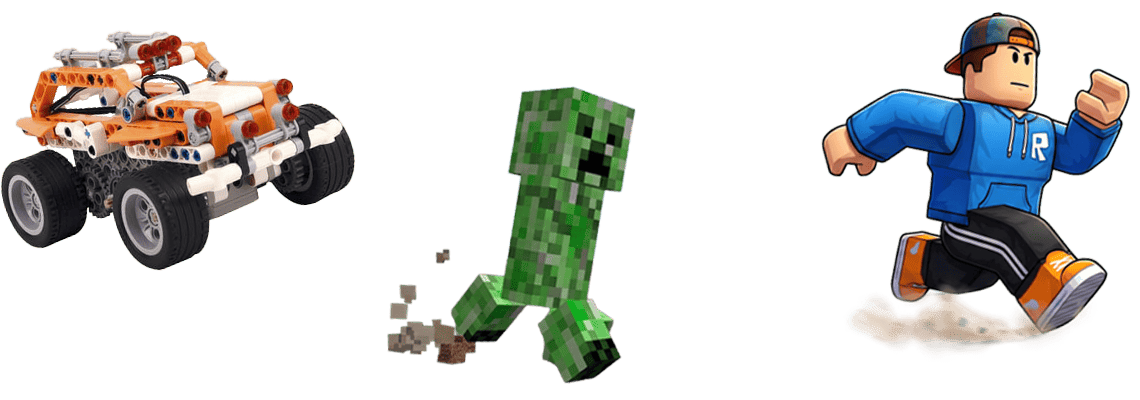
building automated contraptions in Minecraft, or designing Roblox games with AI, we empower children to master core future competencies while having fun.

Don't Let Creativity Fade with Age

Interest-Driven

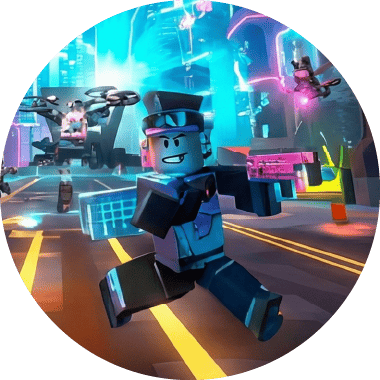
Whether they love building with their hands, playing Minecraft, or Roblox, we don't teach boring syntax. Instead, we use their 'favourite games' as textbooks, making learning as natural as breathing.

Concrete Logic

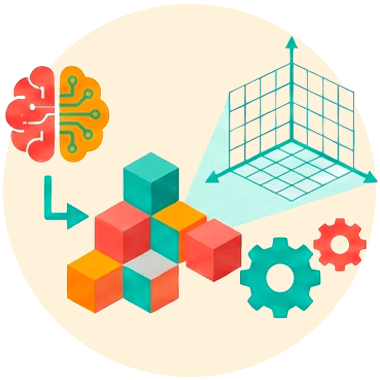
Children at this stage are in the 'Concrete Operational Stage.' Using the physical structure of blocks, 3D spatial coordinates, and AI tools, we make abstract programming logic 'tangible'—something they can see and touch to truly understand.

Hands-on Learning

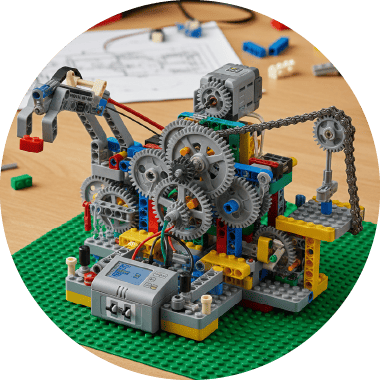
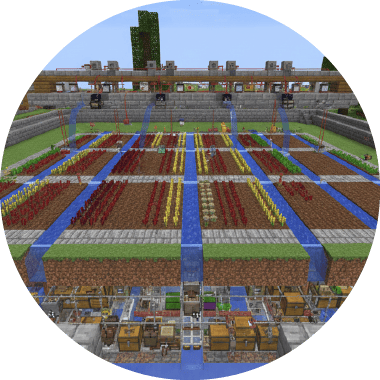
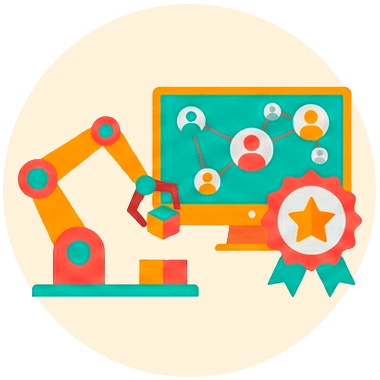
In every lesson, children complete a unique project. From moving mechanical arms and automated harvesters to publishing a multiplayer game, they build confidence by accumulating their own achievements.

Hands-on and Minds-on: Diverse Paths to Innovation

A

Loves

Building & Assembling?

Creative Mechanical Blocks

Standard 1-3 (Ages 7-9)

Physical Construction x Mechanical Physics

  • Learn physical principles like gears, levers, and pulleys; cultivate hand-eye coordination.
  • (Highly Recommended) Perfect for active children who love dismantling toys—this is their entry ticket into the engineering world.
>> Learn More about Mechanical Blocks <<
B

Loves

Exploring & Creating?

Minecraft Coding

Standard 3+ (Ages 9+)

Virtual Logic x Redstone Circuits

  • Control the world using MakeCode visual commands within Minecraft Education Edition.
  • Learn core concepts like loops and variables, as well as Redstone circuit logic.
  • Suitable for children who love 'building things' and have an interest in spatial planning.
>> Learn More about Minecraft <<
C

Dream of becoming

a Game Designer?

Roblox AI Game Design

Standard 3+ (Ages 9+)

Game Dev x Generative AI

  • Combine Generative AI (GenAI) tools to assist in creating creative assets.
  • Introduction to scripting concepts, 3D game design, and physics engines.
  • Suitable for children who want to 'make games for others to play'.
>> Learn More about Roblox AI <<
A

Loves

Building & Assembling?

B

Loves

Exploring & Creating?

C

Dream of becoming

a Game Designer?

Creative Mechanical Blocks

Standard 1-3 (Ages 7-9)

Physical Construction x Mechanical Physics

  • Learn physical principles like gears, levers, and pulleys; cultivate hand-eye coordination.
  • (Highly Recommended) Perfect for active children who love dismantling toys—this is their entry ticket into the engineering world.
>> Learn More about Mechanical Blocks <<

Minecraft Coding

Standard 3+ (Ages 9+)

Virtual Logic x Redstone Circuits

  • Control the world using MakeCode visual commands within Minecraft Education Edition.
  • Learn core concepts like loops and variables, as well as Redstone circuit logic.
  • Suitable for children who love 'building things' and have an interest in spatial planning.
>> Learn More about Minecraft <<

Roblox AI Game Design

Standard 3+ (Ages 9+)

Game Dev x Generative AI

  • Combine Generative AI (GenAI) tools to assist in creating creative assets.
  • Introduction to scripting concepts, 3D game design, and physics engines.
  • Suitable for children who want to 'make games for others to play'.
>> Learn More about Roblox AI <<
Bring Blocks to Life! The First Step for Little Engineers.

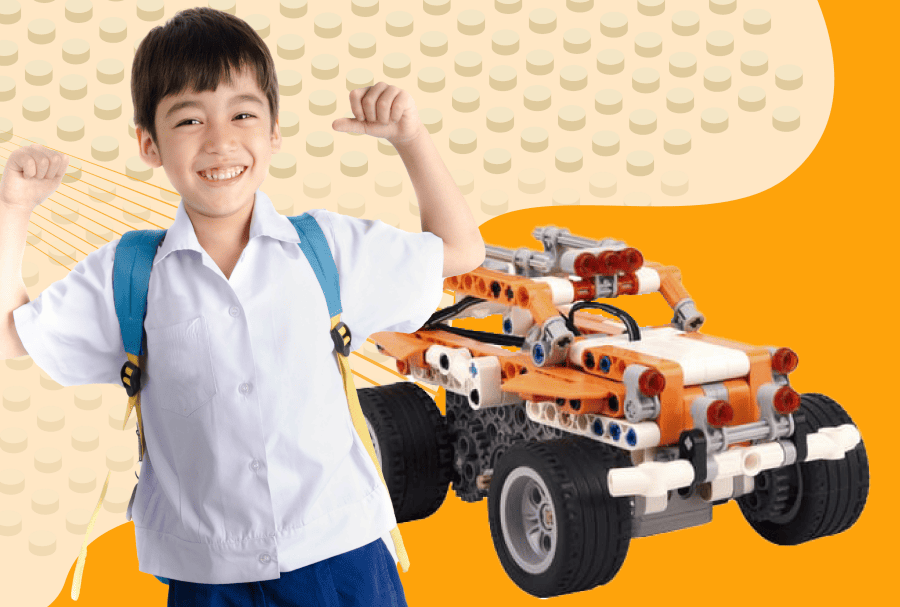
Creative Mechanical Blocks

Learning Goals
  • • Structural Mechanics: Understand triangle structures, centre of gravity, and balance.
  • • Mechanical Principles: Master gear transmission, pulley systems, and lever principles.
  • • Problem Solving: Learn to observe and correct designs when structures collapse.
Featured Projects
CatapultMerry-Go-RoundLift/Elevator
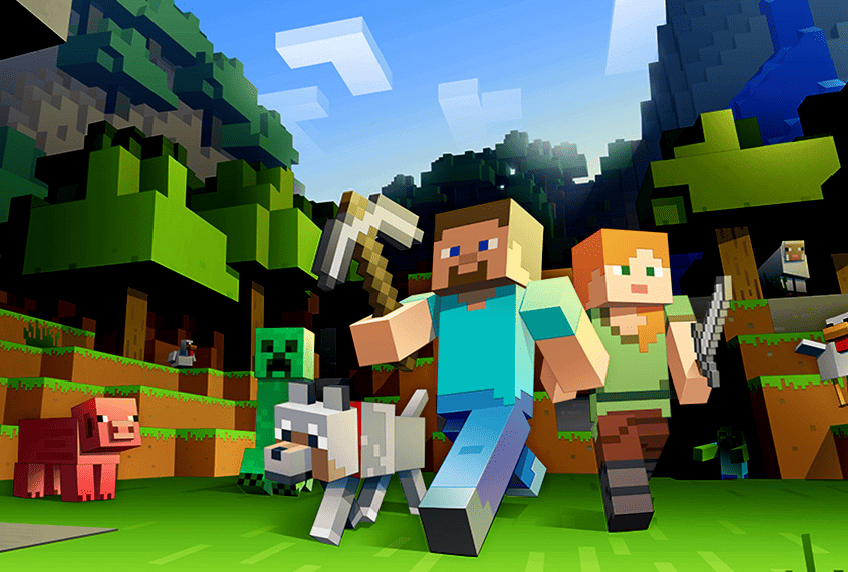
Don't Just Play the Game, Code It!

Minecraft Educatiin Programing

Learning Goals
  • • Computational: Learn to decompose problems and solve tasks using code commands.
  • • Spatial Logic: Construct buildings within a 3D coordinate system (X, Y, Z).
  • • Digital Creation: Combine Redstone circuits with command blocks to create automated contraptions.
Featured Projects
Spiral Staircase (Loops)Automatic Harvester (Detection)Parkour Map
Combine Cutting-Edge AI to Build Masterpiece Games.

Roblox AI Game Design

Learning Goals
  • • AI Creative Application: Learn to use Generative AI tools to help brainstorm stories and generate assets
  • • Scripting Logic: Understand the Roblox Studio interface and basic Lua syntax applications (e.g., Object Control, Collision Detection).
  • • Game Design: Master scene construction, level flow design, and player interaction mechanisms.
Featured Projects
Obby (Parkour)Disappearing TrapsParticle Effects

Learning Roadmap

1Standard
1-3
Interest Ignition

Creative Mechanical Blocks

2Standard
3+
Digital Logic Transformation

Minecraft Coding
Roblox AI Game Design

3Standard
4+
Advanced Transition

Scratch Elite Course
Python Development

1Standard
1-3
Interest Ignition

Creative Mechanical Blocks

2Standard
3+
Digital Logic Transformation

Minecraft Coding
Roblox AI Game Design

3Standard
4+
Advanced Transition

Scratch Elite Course
Python Development

Frequently Asked Questions

Q: My child is in Standard 1, which course is suitable?

A: We recommend starting with Creative Mechanical Blocks . At this stage, a child's hand muscles and spatial awareness are still developing. Physical blocks provide a more intuitive way to build a logical foundation. Once they progress to Standard 3, transitioning to Minecraftor Robloxwill be much smoother.

Q: What is the difference between Minecraft and Roblox courses?

A:MinecraftFocuses on 'Logic and Circuits'. It involves building structures and mechanisms using commands in a closed block world, suitable for children who like structure and logic.RobloxFocuses on 'Game Design and Publishing'. It uses a professional game engine interface to create games that can be shared publicly, making it suitable for children who aspire to be game creators.

Q: Do we need to bring our own computer?

A: Yes, students are required to bring their own devices as the centre does not provide them:

  • MinecraftandRoblox courses: Must bring aLaptop.
  • Creative Mechanical Blocks: Must bring aTabletfor programming control.

Q: Does the Roblox course really teach AI?

A: Yes! This is our latestRoblox AIclass. Beyond basic game production, we guide children to utilize Generative AI tools to assist creation (e.g. generating game ideas, dialogues, or textures), allowing them early exposure to the creative methods of the AI era.

Still unsure which one your child will like?

The touch of blocks, the logic of Minecraft, or the creativity of Roblox?

The best way is to let your child experience it personally!
We provide professional level assessments.