Turn Your Child's Favorite 3D Game into the Ultimate Coding Tool
Minecraft: Education Edition
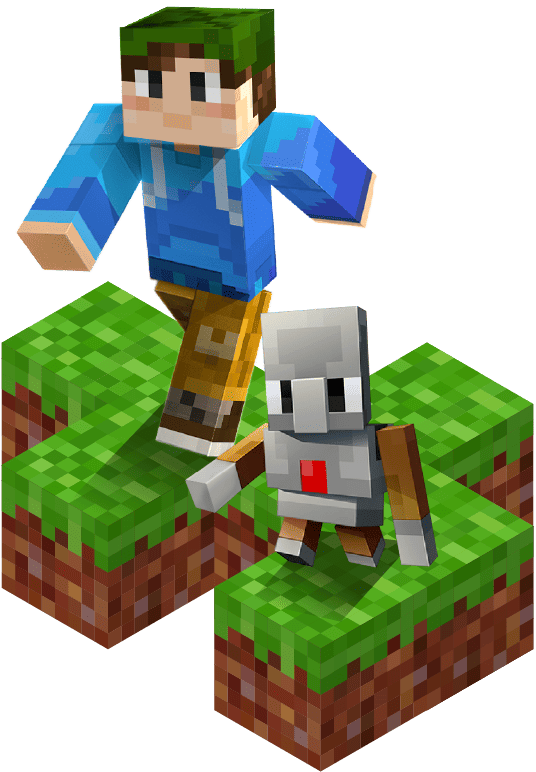
Using Minecraft Education Edition, we guide students through a 3D immersive world using block-based coding, Redstone circuits, and automated mechanisms. We transform "players" into "creators" with solid logical thinking skills.
Standard 3+ (Ages 9-10+)
None
Minecraft Education Edition / MakeCode
Physical Small Group Classes, Project-Based Learning (PBL)
45 Lessons Total (Three Stages)
Don't Ban It—Guide It! Turn Screen Time into Skill Time.

Just Playing?
Does your child spend hours mining and fighting monsters without knowing how to "create" complex structures or mechanisms?

Passive Consumption?
Are you worried they are just consuming entertainment without active thinking or problem-solving opportunities?



Our Solution
OrangeApple turns "Play" into "Learning." We leverage the game's unique Redstone and Command systems. Children actively learn coding logic because they want to build cooler traps, farms, and automated cities.

Just Playing?
Does your child spend hours mining and fighting monsters without knowing how to "create" complex structures or mechanisms?
Passive Consumption?
Are you worried they are just consuming entertainment without active thinking or problem-solving opportunities?
Don't Ban It—Guide It! Turn Screen Time into Skill Time.
Our Solution
OrangeApple turns "Play" into "Learning." We leverage the game's unique Redstone and Command systems. Children actively learn coding logic because they want to build cooler traps, farms, and automated cities.
Bridging Gaming & Education: 4 Core Skills Your Child Will Master
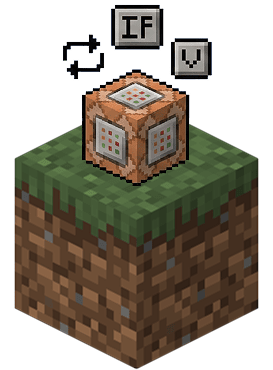
Solid Coding Logic
Master core concepts like Loops, Conditionals, and Variables. Example: Using a loop command to make the Agent robot build a spiral staircase instantly.
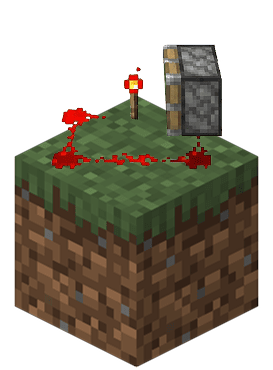
Redstone & Logic Gates
Master Minecraft's Redstone system. Learn real-world Logic Gates and signal transmission principles to build automatic doors, traps, and complex calculators.
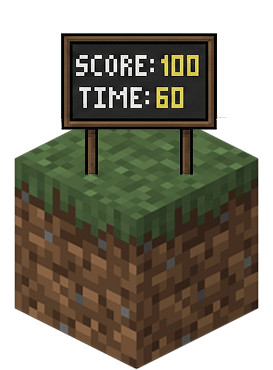
Game Design Thinking
Design levels from scratch. Learn to set up Scoreboards, Timers, and NPC dialogues to create interactive games with rules and objectives.
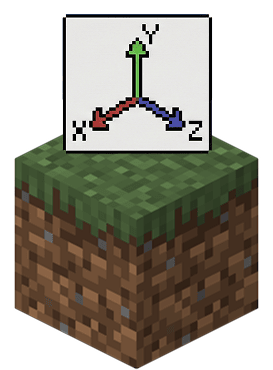
Spatial Thinking & Algorithms
Train powerful spatial awareness using 3D coordinates (X, Y, Z). Learn to use Algorithms to plan large-scale construction instead of placing blocks one by one.

Systematic Learning Path
From Novice to Map Developer
Systematic Learning Path
From Novice to Map Developer
Level 115 Lessons
Foundations-Logic & Redstone Basics
Master MakeCode interface, Sequences, Loops, and Basic Redstone.
Level 115 Lessons
Foundations
Logic & Redstone Basics
Master MakeCode interface, Sequences, Loops, and Basic Redstone.
Spiral Staircase
Use loops to make the Agent build structures automatically.
Auto Watermelon Farm
Combine sensors and pistons for automation.
TNT Cannon
Learn Redstone repeater delays for projectile physics.
Password Door
Apply "Logic Gates" to create secure entrances.
Level 215 Lessons
Advanced-Game Design & Commands
Master Command Blocks, Functions, Arrays, and Scoring Systems.
Level 215 Lessons
Advanced
Game Design & Commands
Master Command Blocks, Functions, Arrays, and Scoring Systems.
Rock-Paper-Scissors Machine
Use Randomness and Conditionals.
Superman Tunnel
Use Functions to package complex commands.
Puzzle Room
Design escape room mechanics using commands.
Timed Parkour
Create a multiplayer competitive map with timers.
Level 315 Lessons
Integrated-Large Scale Projects
Integrate coding, circuits, and game design to build three major themed worlds.
Level 315 Lessons
Integrated
Large Scale Projects
Integrate coding, circuits, and game design to build three major themed worlds.
Theme 1: Shopping Street
Vending machines, NPCs, dynamic stalls.
Theme 2: Sports Day
Archery scoring system, obstacle courses.
Theme 3: Monopoly
Large map planning, Chance cards, Item shops.
Next Step
Elite Course

Next Step
Elite Course


Witness the Change: From "Gamer" to "Game Maker"

Mu-wei's Dad
For kids today, I feel an interface like Minecraft is incredibly motivating for their learning. At the very least, they get to see an Agent running around—it's hilarious, and they can customize it to look however they want.
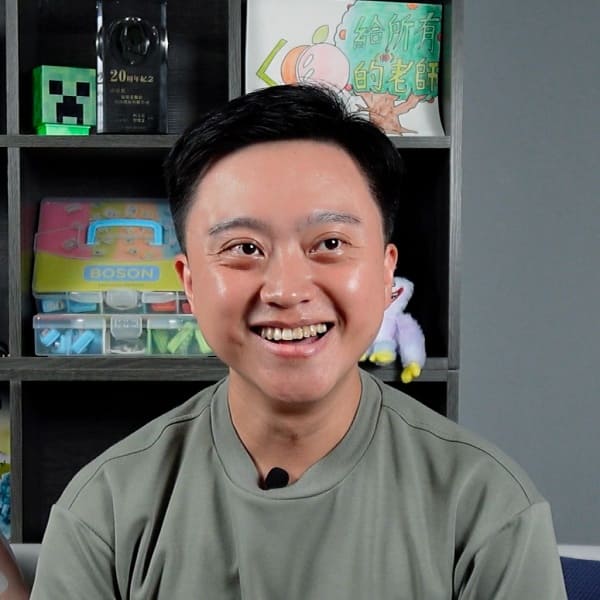
Mu-wei - Standard 4
Some classmates would say, 'Minecraft is just for playing, why take a class for it?' But others say, 'You need classes for Minecraft, otherwise you won't know how to do anything!' You can actually program the Agent to build houses for you. For things that would normally take a ton of time, you can just use an infinite loop to build them!
FAQ
Through this course, children learn to write commands using MakeCode to direct the Agent to automate construction or execute complex tasks—a core learning experience that the home version cannot provide.
Furthermore, the Education Edition offers a cleaner and safer learning environment.
This ensures that children remain focused on "programming logic" and "computational thinking" rather than simple gaming entertainment, making it the ideal digital laboratory for learning to code.
Don't Let Screens Limit Your Child's Creativity.
Book a free trial now and let your child experience the power of coding by building their own Minecraft world!
Don't Let Screens Limit Your Child's Creativity.
Book a free trial now and let your child experience the power of coding by building their own Minecraft world!