Developed by MIT, the Coding Language Learned by 200 Million Kids Worldwide
Scratch Elite Course
By "stacking blocks," we visualize abstract math and logic. From basic game creation to advanced algorithms and data structures, this course is the most solid foundation for transitioning to Python text-based coding.
Ages 10+
3.0
Total
Logic too abstract? Math and Physics confusing? Understand them through "Coding"!

Rote Memorization
Does your child find learning coordinates, angles, or gravity boring at school, unable to see how these formulas apply to real life?
Lack of Logical Structure
When facing complex problems, does your child give up easily, not knowing how to break a big problem into smaller, solvable steps?

Our Solution

Our Solution
Scratch turns boring code into colorful blocks. In this course, if the "gravity" parameter is wrong, the character won't jump; if the "coordinate" is wrong, the spaceship crashes. Children deeply understand math and logic through "trial and error," which is a hundred times more effective than memorizing formulas.
Cross-Disciplinary Learning: Cultivating 4 Key Engineering Mindsets
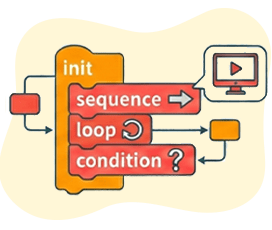
Visual Logic
Master core concepts like Initialization, Sequences, Loops, and Conditionals. Learn to build logic with blocks so the computer understands your commands.

Google Computational Thinking
Learn the thinking model proposed by Google: Decomposition, Pattern Recognition, Abstraction, and Algorithm Design.
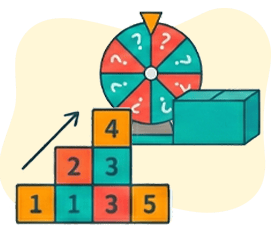
Algorithms & Data
Advance to learning Sorting Algorithms, Randomness, Variables, and Lists/Arrays to handle complex data operations.
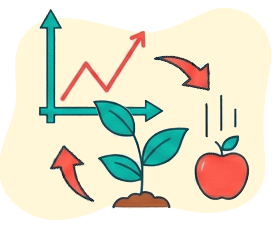
Cross-Disciplinary Application
The course integrates Math (Coordinates, Geometry), Science (Food Chains, Physics/Gravity), and Living Technology (Virus Prevention, Network Packets), achieving true STEAM education.
Systematic Learning Path
From Gamer to Logic Master
The curriculum is split into two levels, 15 lessons each.Level 115 Lessons
Foundations Level - Basics & Game Design
Familiarize with Scratch interface, master Coordinates, Variables, Loops, and basic game mechanics.
Level 115 Lessons
Foundations Level
Basics & Game Design
Familiarize with Scratch interface, master Coordinates, Variables, Loops, and basic game mechanics.

Big Fish Eat Small Fish
Food ChainLearn Variables and Conditionals to simulate an ecosystem.

Desert Mission
Loop AnimationLearn My Blocks (Functions) and Costume switching for smooth animation.

Coding Adventure
RPG LevelIntegrate Coordinates, Sensing, and Broadcast mechanisms to design a multi-level adventure game.

Anti-Theft Stairs
Physics/GravitySimulate gravitational pull to create a jumping game.
Level 215 Lessons
Advanced Level - Advanced Algorithms & Design Patterns
Learn Functions, Lists (Arrays), String Processing, and Physics Simulation to challenge complex projects.
Level 215 Lessons
Advanced Level
Advanced Algorithms & Design Patterns
Learn Functions, Lists (Arrays), String Processing, and Physics Simulation to challenge complex projects.

Best Deliveryman
Sorting AlgorithmLearn Computer Science "Sorting" and "Shuffling" algorithms to optimize paths.
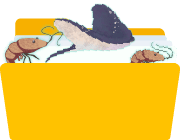
Homecoming Mission
Physics SimCreate jumping and gliding effects influenced by gravitational acceleration.

Hacker Action
RoundingCombine math concepts to create a hacker game with an info interface.
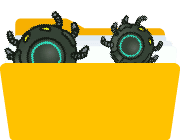
Germ King
ExtensionsUse Text-to-Speech features to create interactive apps.

Hacker Endgame
Computer VirusSimulate virus defense mechanisms, learning advanced applications of Variables, Clones, and Sensing.
Next Step
Next Step
After completing the Scratch Elite Course, children are fully equipped with logic and algorithmic concepts. They only need to switch syntax to seamlessly transition to ourPython Programmingand enter the world of text-based coding.
Not Just Coding—Math Grades Improved Too!
Tingxuan’s Dad
When Tingxuan attended the trial class, I took some time to look into OrangeApple’s introduction and found that their programming language roadmap was very clear and easy to understand. She was also willing to learn and able to maintain her enthusiasm consistently, so I directly enrolled her in a one-year course at OrangeApple.
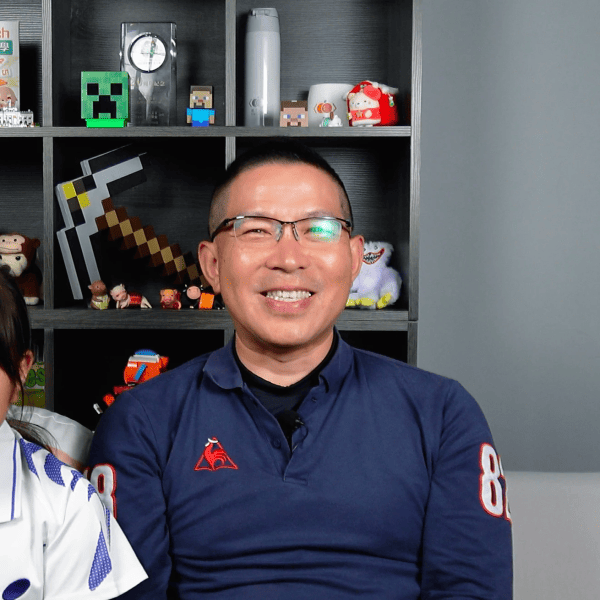
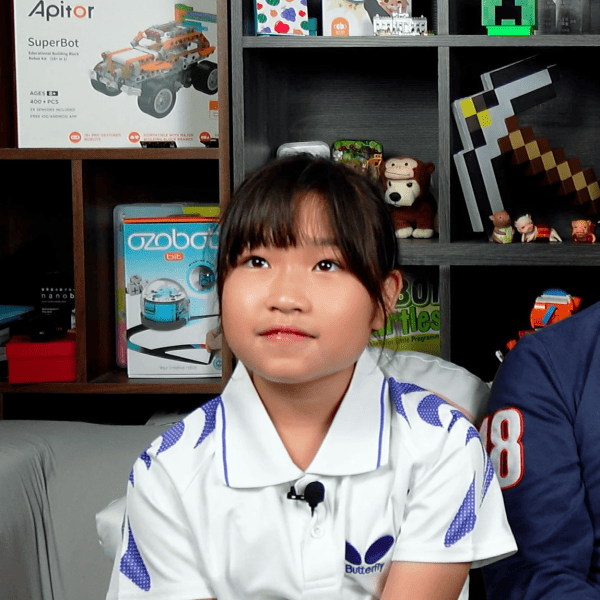
Standard 4 Tingxuan
Because I like drawing, during the summer vacation between Grade 3 and Grade 4, I searched on my own how to make animations and started teaching myself Scratch. I spent the whole summer creating projects and showed my work to my parents — they were so surprised!
I also actively participated in Scratch-related competitions at school. Seeing how interested I was in Scratch, my dad directly signed me up for a full year of courses at OrangeApple.
FAQ
Give Your Child the Key to Unlock the Future.
Don't let your child just swipe on phones; teach them to control technology. Book a free trial now and start the journey of logical thinking training!