
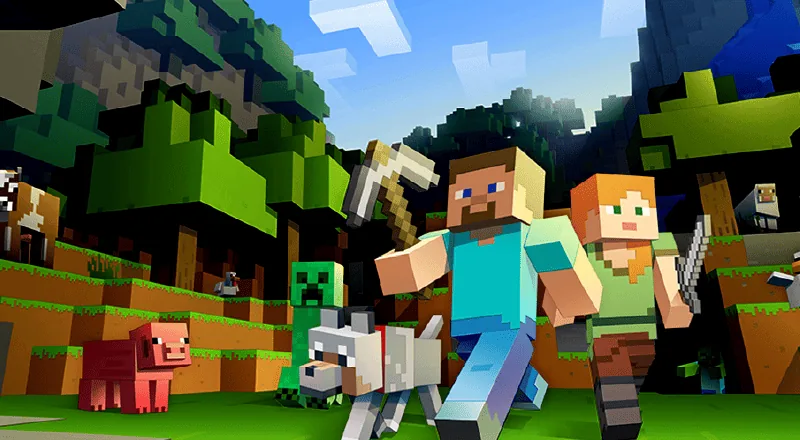
What is Minecraft Education?
Minecraft is a 3D game where players build whole worlds out of blocks. Minecraft Education is the teaching version of the same game.
Microsoft describes it as having features built specifically for learning environments, to support collaboration, assessment, coding and more.
For coding, Microsoft's learning path starts with Hour of Code, moves on to MakeCode Blocks, and then to coding in Python.
There is also a small robot called the Agent. Once your child writes a program, the Agent carries it out, for example building for them.
Sources: Microsoft Minecraft Education, What is Minecraft Education and Computer Science Subject Kit (checked 2026-11-11).
How is it different from regular Minecraft?
You can also code in regular Minecraft (for example, Java Edition), but you need to download quite a few add-ons, and it is harder to get started. Minecraft Education is built for teaching, so beginners find it easier.
| Compared | Coding in Java Edition | Coding in Minecraft Education |
|---|---|---|
| Main purpose | Mostly for playing | Mostly for learning |
| Getting started | Harder; some coding background helps | Easier; beginners can start from zero |
| Extra installs | Quite a few add-ons to download | No other software needed; drag blocks to code |
| Learning materials | Scattered online, you find them yourself | Teachers set the levels, so children learn in order |
| Teaching tools | No dedicated teaching tools | The coding Agent robot, plus chalkboards, a camera, science tools and more |
What coding concepts does my child learn?
Without code, your child places one block at a time. With code, the same job gets done in one go.


Commands and order
Put actions in the right order, and the robot follows them.
Loops
Count loops, nested loops, conditional loops and forever loops make repeated work happen by itself.
Conditions
Make the program do different things in different situations.
Functions and arrays
Package steps you use often, and store a set of data, to design bigger levels.
Logic gates
Understand signal input and output, and the basics of how circuits work.
These are the topics covered across the stages of our Minecraft Education Coding Class.
What age is right?
We recommend starting Minecraft coding from Standard 3 (age 9 and up). No coding experience is needed.
Children in Standard 4 and above can also start straight with Scratch. From Form 1, children with no coding experience can start directly with Python.
This is OrangeApple's recommendation, based on how our courses are designed. To compare the options, read how to choose a coding class in KL.
Playing at home vs. learning in class
Playing Minecraft at home builds interest. To learn coding step by step, a class gives your child a clear path.
Playing at home
- Mostly free building and exploring
- May not involve any coding
- To learn coding, you find the materials yourself
- Your child sets their own pace
Learning in class
- Teachers set the levels, so children learn in order
- 15 lessons per stage, and part of a project every lesson
- When stuck, the tutor asks guiding questions instead of giving the answer
- Teachers can look after every child (1 teacher to 10 students)
Our Minecraft Education Coding Class
OrangeApple Coding Academy runs a Minecraft Education Coding Class at our classroom in Sri Petaling, Kuala Lumpur. All classes are in person.
Minecraft Education Coding Class
- Who it's for
- Standard 3 and up (age 9+), no experience needed
- Course structure
- 3 stages of 15 lessons each
- Where
- Sri Petaling, Kuala Lumpur, inside Ren Ren Learning Center
- When
- Classes run on Saturdays
- Language
- English class or Chinese class, your choice
- Fees
- Pay one stage at a time. Full fees are explained when you book a trial class.
- BeginnerLoops and logic gates. Build your own Minecraft kingdom with loops.
- AdvancedFunctions and arrays. Complete all kinds of levels and become a map creator.
- AppliedCombine code and circuits to build three large theme maps: a shopping street, a sports day and a board game.
Your child joins a real class. Afterwards, we explain the details on WhatsApp.
Sources
- Microsoft, What is Minecraft Education (checked 2026-11-11)
- Microsoft, Computer Science Subject Kit (checked 2026-11-11)