
What will your child build when they learn to code?
These are course example projects from the OrangeApple Coding Academy Scratch Elite Coding Course and Python Programming Course, taught in person in Sri Petaling, Kuala Lumpur for children from Standard 4 to Form 6. Each project shows what it is, what your child learns and the skill behind it.
These are course example projects. Your child can build each one on reaching that stage.
Students in Taiwan who took the same courses have had their projects featured on the MIT Scratch homepage four times.
Jump to a stage:
Scratch Stage 1: from blocks to a first game
Starting with drag-and-drop blocks, your child builds a playable mini-game step by step, ending with a sea battle.Swipe to see all 6 projects in this stage
-
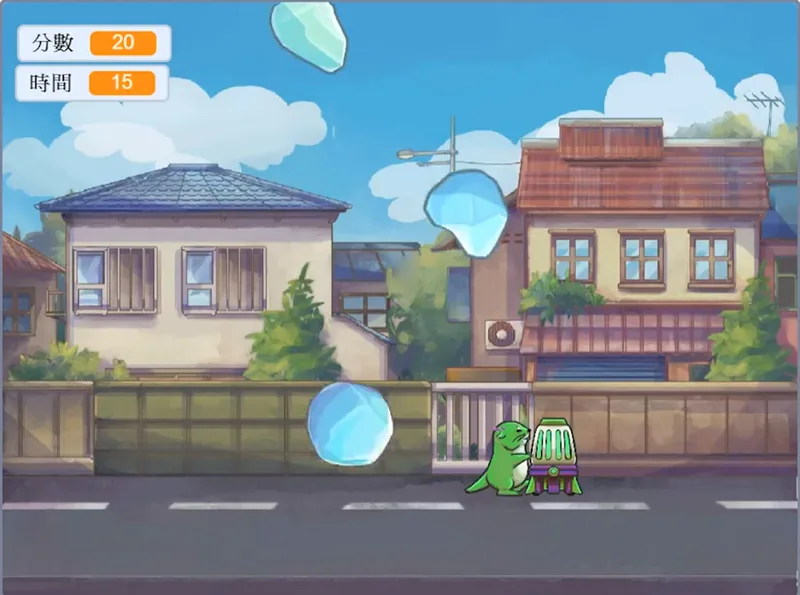
Lesson 1
Hailstorm Shooter
- What it is
- Hailstones fall from the sky. Shoot them down to score.
- What your child learns
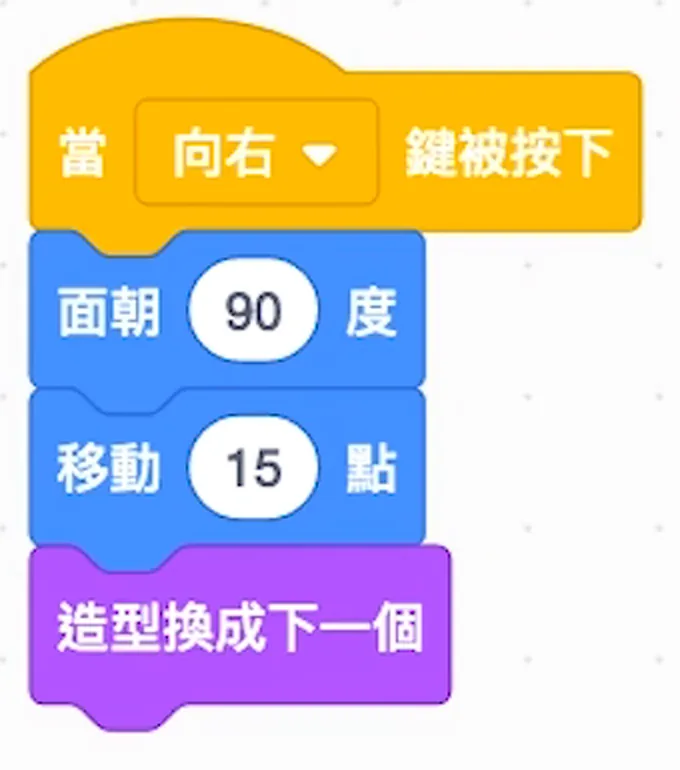
- Putting actions in order: press an arrow key and the character turns, moves and changes costume.
- The skill behind it
- Logic for putting things in the right order
See the code
-
Lesson 9
Moth Hide-and-Seek
- What it is
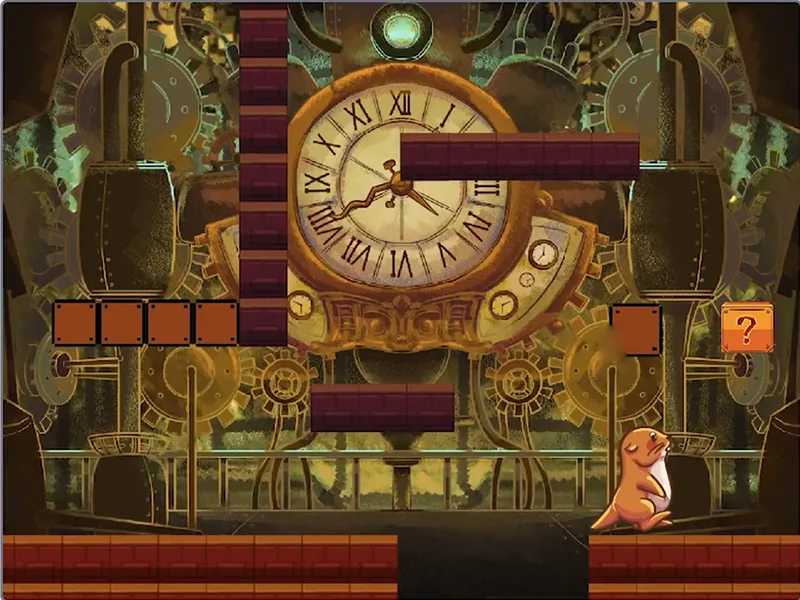
- A level game: jump onto platforms and climb up the walls.
- What your child learns
- Building the game level by level, and finding and fixing what goes wrong.
- The skill behind it
- Patience to keep debugging instead of giving up
See the code
-
Lesson 10
Goldfish Scoop
- What it is
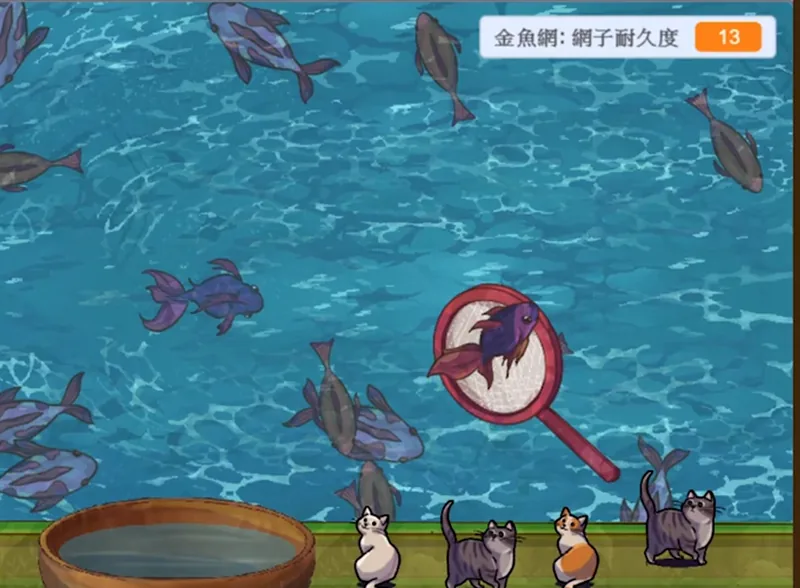
- Scoop up swimming goldfish with a net that wears out.
- What your child learns
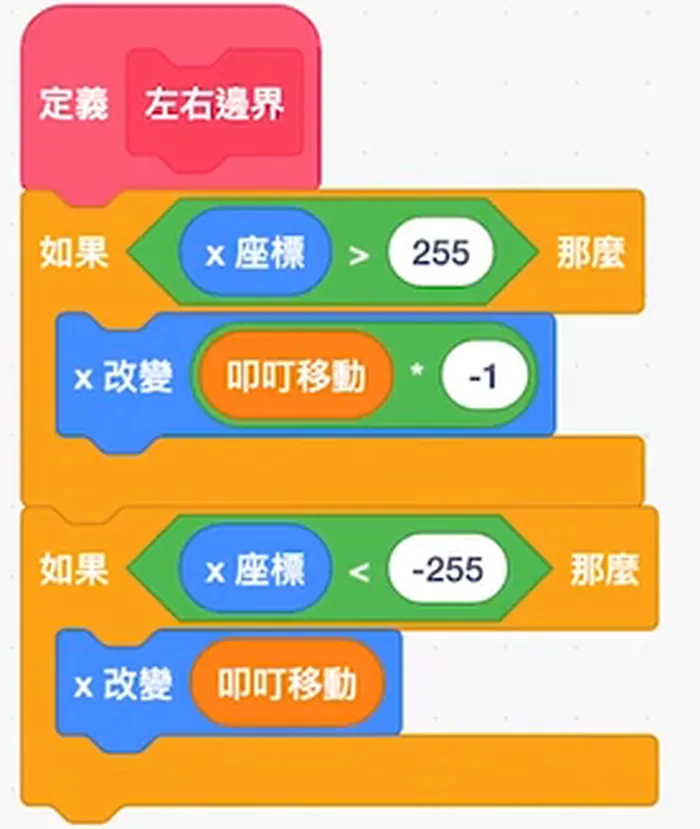
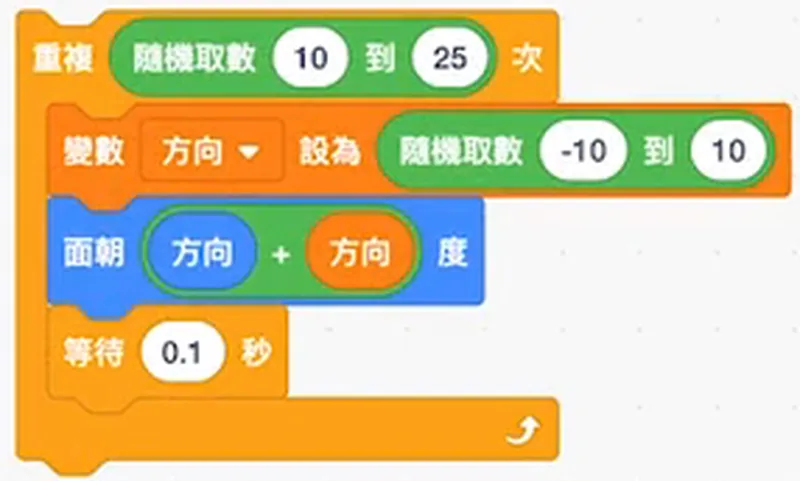
- Making each goldfish turn and swim on its own, and turn back at the edge.
- The skill behind it
- Breaking a set of rules into small steps
See the code
-
Lesson 11
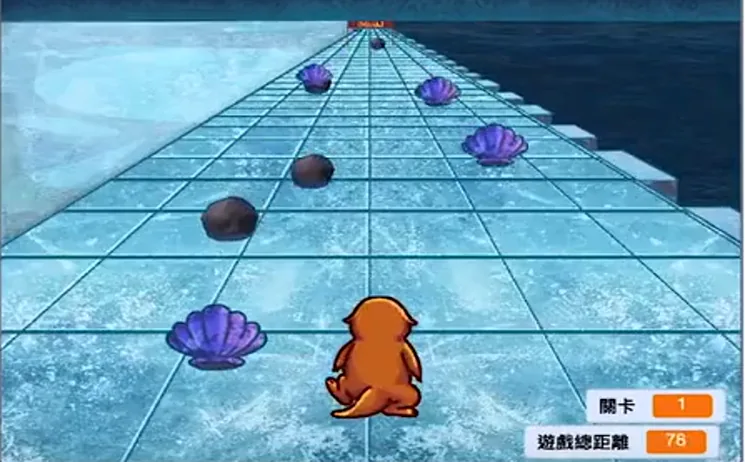
Ice Runner
- What it is
- Dash down an icy track and collect shells along the way.
- What your child learns
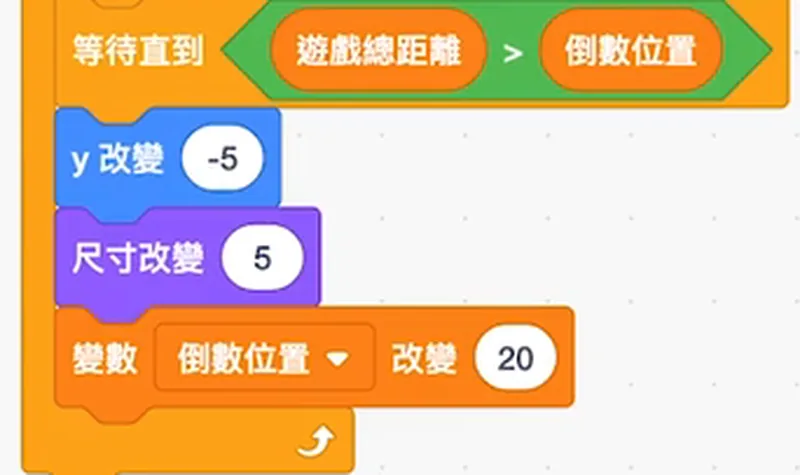
- Using perspective (far things look small, near things look big) to give a flat screen depth.
- The skill behind it
- Putting an observed principle to use
See the code
-
Lesson 14
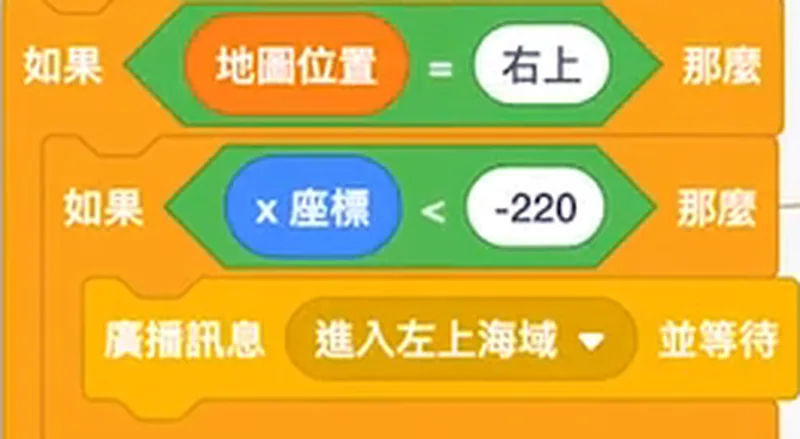
Sea Voyage: Setting Sail
- What it is
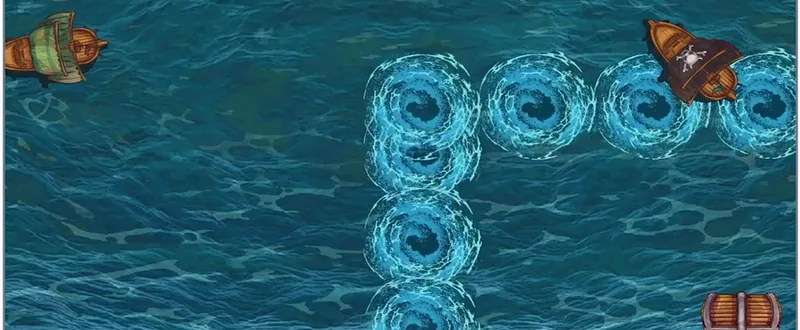
- Sail out to sea. Reach the edge of the screen and a new stretch of sea appears.
- What your child learns
- Improving the game version by version: switching maps and setting a restart point.
- The skill behind it
- Planning a big project in parts
See the code
-
Lesson 15
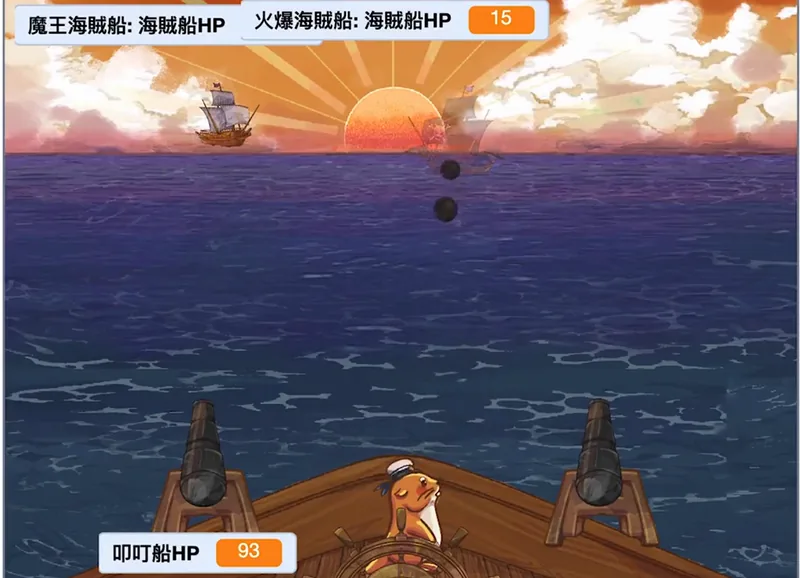
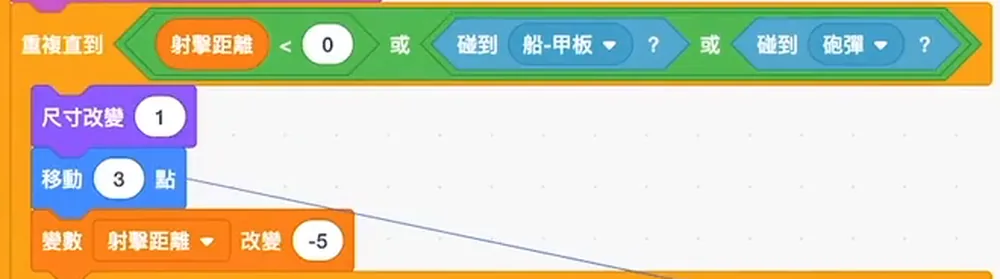
Sea Voyage: The Battle
- What it is
- A cannon battle against a pirate boss ship, where both sides have health points.
- What your child learns
- Combining what they learned in earlier lessons to finish a complete battle game.
- The skill behind it
- Bringing everything together to turn an idea into a game
See the code
Scratch Elite Coding Course: from Standard 4. 2 stages of 15 lessons each.
View the Scratch Elite Coding CourseScratch Stage 2: adding maths and rules
Building on Stage 1, projects add gravity, probability, sorting and maths problems, with more complex game rules.Swipe to see all 6 projects in this stage
-
Lesson 3
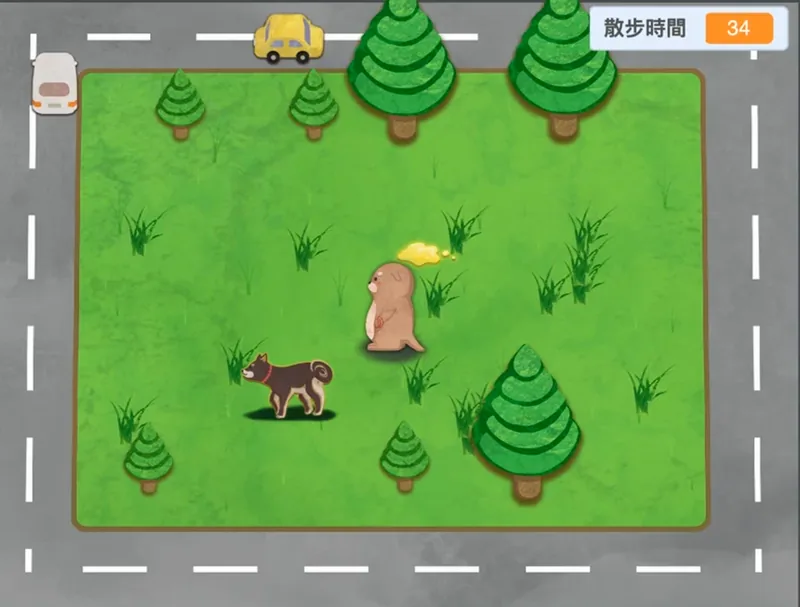
Pet Master
- What it is
- Walk a dog in the park while a timer counts down.
- What your child learns
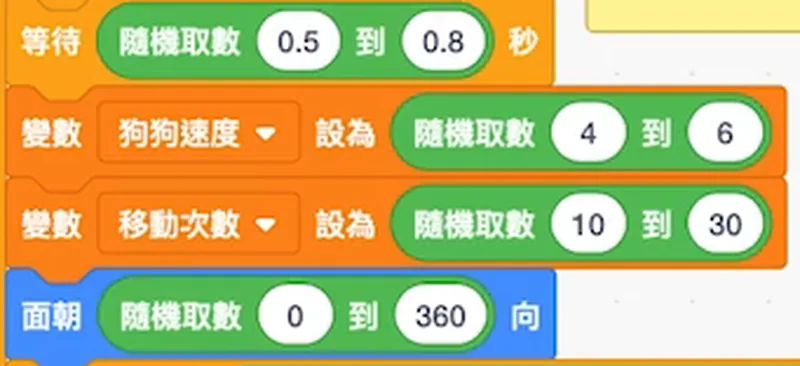
- Letting the dog decide to run or stop based on its state, and using probability to trigger events.
- The skill behind it
- Reasoning through every possible situation
See the code
-
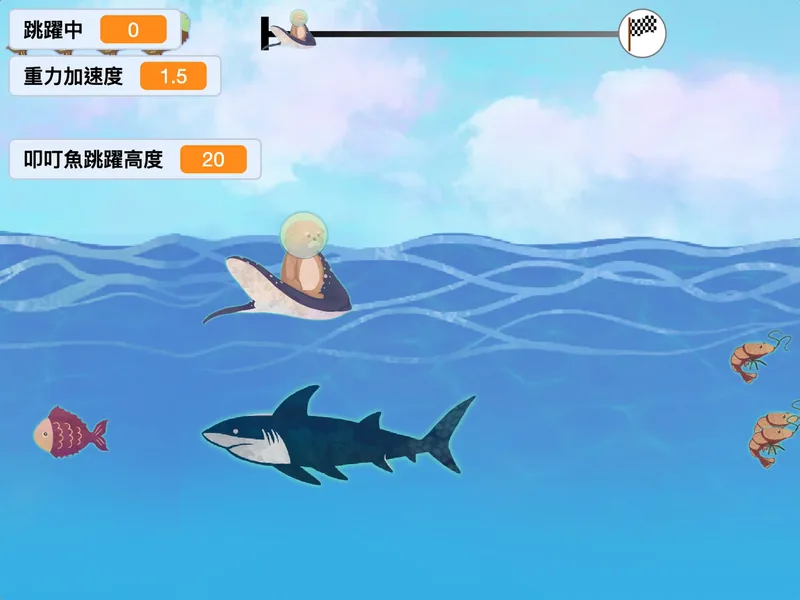
Lesson 4
The Way Home
- What it is
- Ride a stingray as it leaps out of the sea and glides.
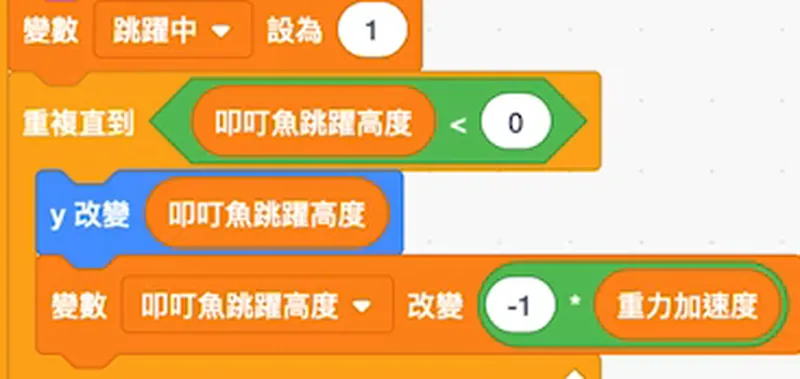
- What your child learns
- Using a gravity number to control the jump, so the character falls back naturally.
- The skill behind it
- Turning science into program rules
See the code
-
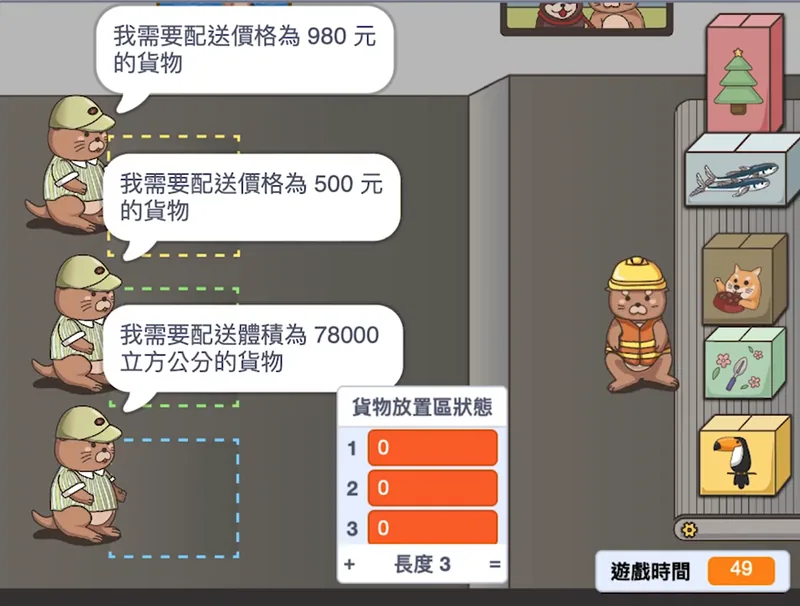
Lesson 8
Top Courier
- What it is
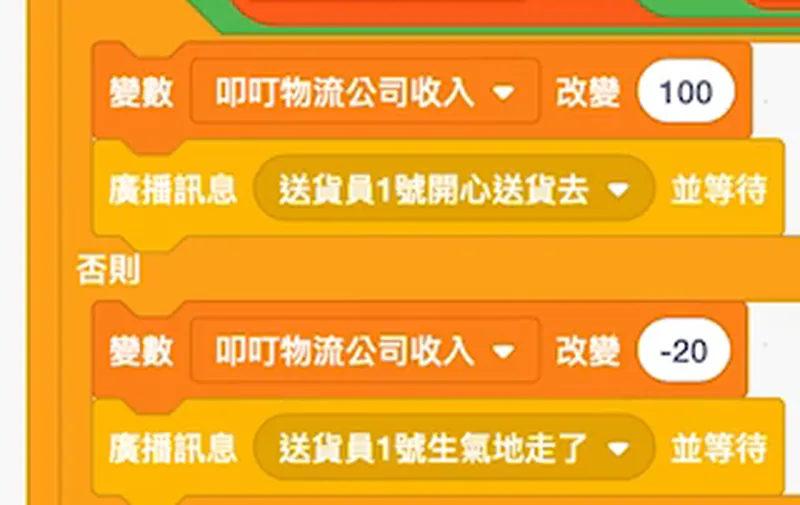
- Find the parcel that matches each customer's price and size, then deliver it.
- What your child learns
- Sorting the parcel data first, then finding the one the customer wants.
- The skill behind it
- Organising data to find answers quickly
See the code
-
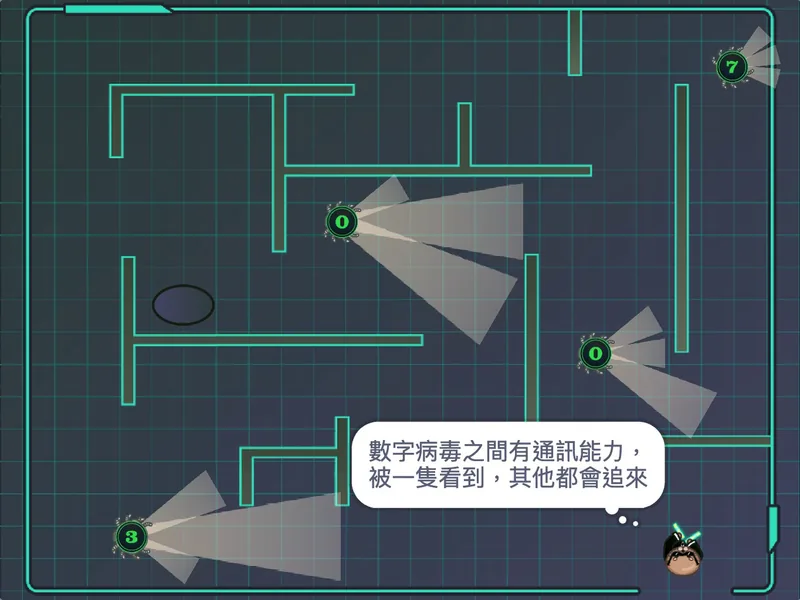
Lesson 9
Hacker Mission
- What it is
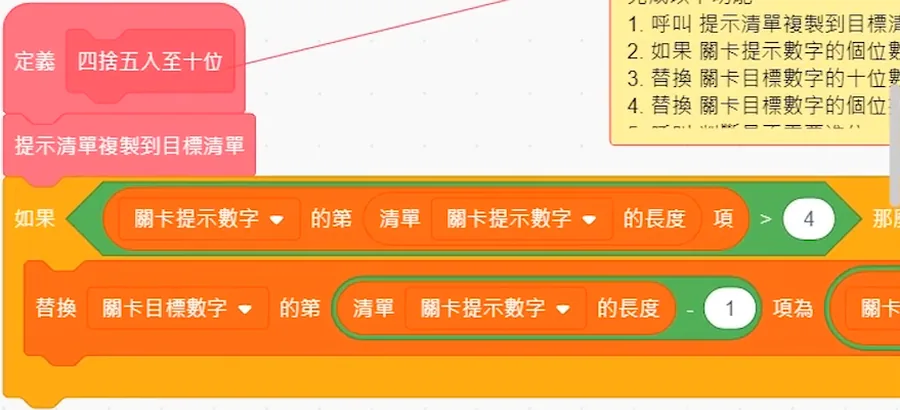
- Dodge patrolling viruses in a maze and complete rounding-off missions.
- What your child learns
- Making the program work out rounding by itself, and using it in the missions.
- The skill behind it
- Putting school maths to use
See the code
-
Lesson 10
Maths Vault
- What it is
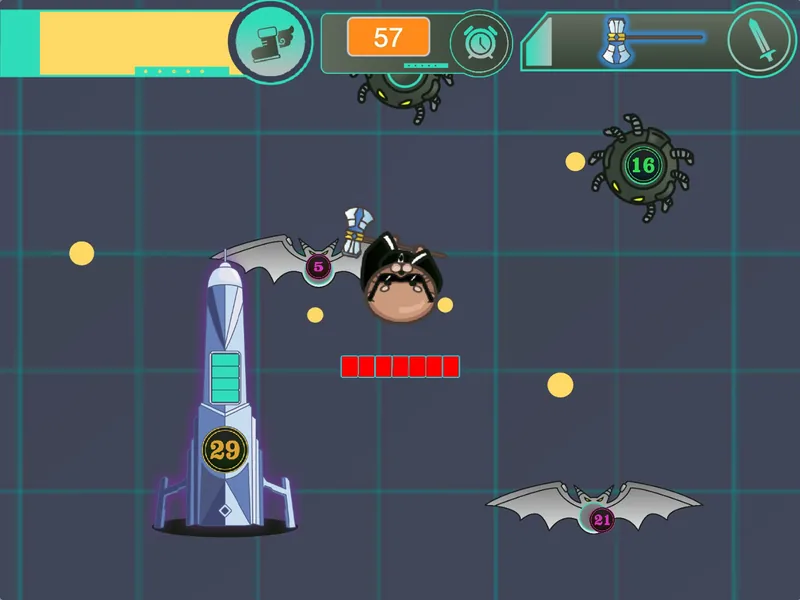
- Read the number on each spider and switch to the right weapon to defeat it.
- What your child learns
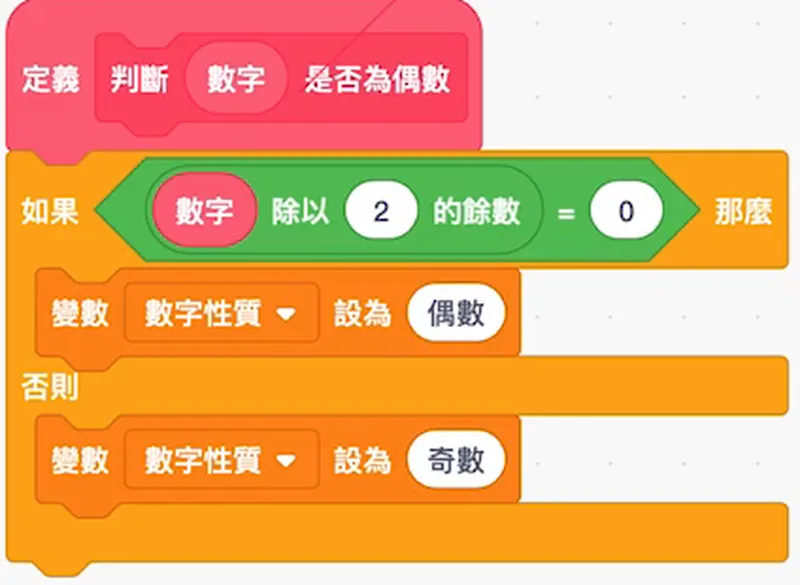
- Making the program check whether a number is odd or even, then choose the weapon.
- The skill behind it
- Using maths rules to make decisions
See the code
-
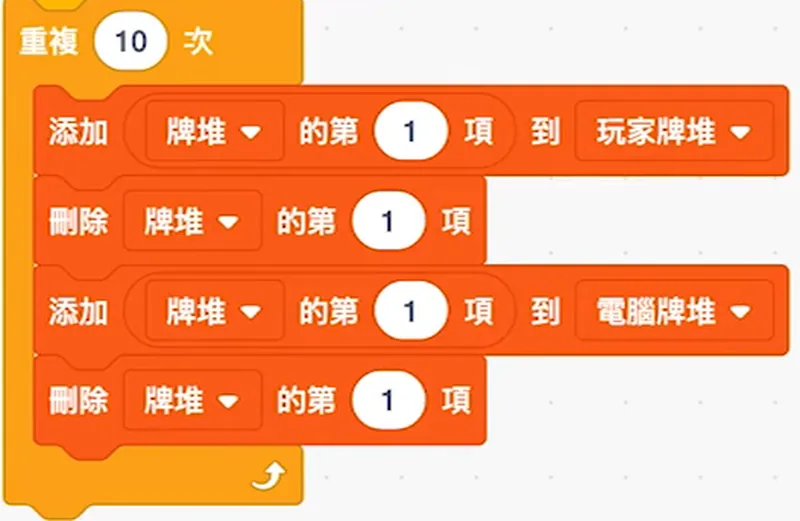
Lesson 12
Number Card Ace
- What it is
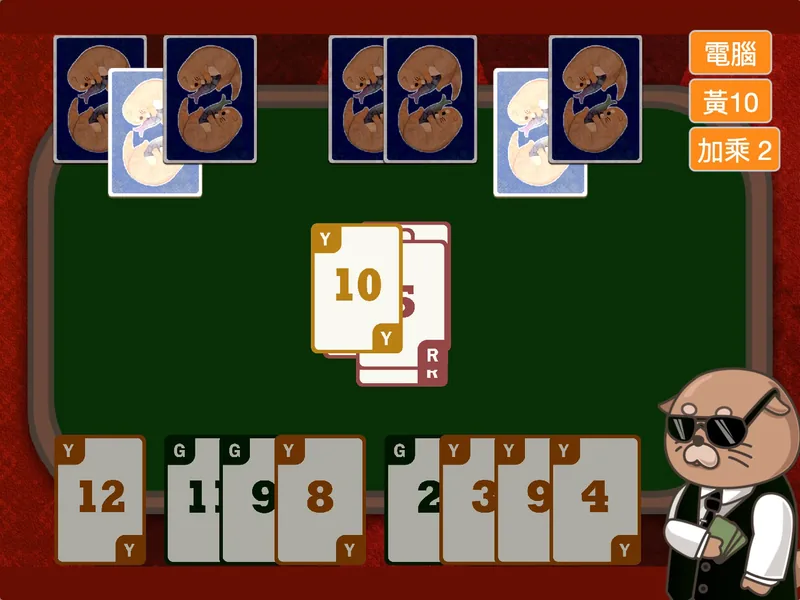
- A number card game, played in turns against the computer.
- What your child learns
- Using addition, subtraction, multiplication and division rules to decide which card can be played, and making a rules page.
- The skill behind it
- Confident use of the four operations
See the code
Scratch Elite Coding Course: from Standard 4. 2 stages of 15 lessons each.
View the Scratch Elite Coding CourseNot sure which stage your child should start at?
Book a free trial class first. Your child joins a real class and builds a small project. Afterwards, we explain the right starting point on WhatsApp.
Children with coding experience can take a placement test first, and start from the stage that suits their result.
Python Beginner: typing real code
Your child starts typing real code and learns the basics of Python. Every project is a game they can play.Swipe to see all 6 projects in this stage
-
Lesson 1
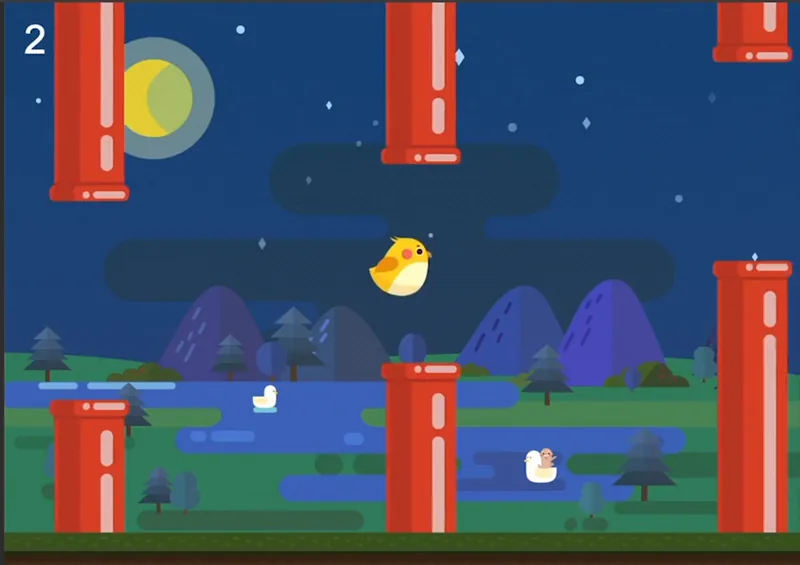
Jumping Bird
- What it is
- Tap to make the bird fly up. Pass through the pipes to score.
- What your child learns
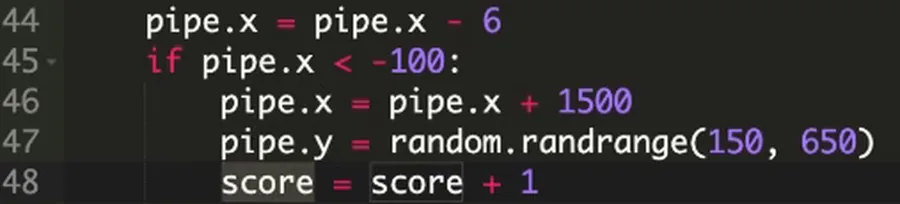
- Using a variable (a little box that stores a number) for the score, and checking whether the bird hits a pipe.
- The skill behind it
- Logic for making decisions with conditions
See the code
-
Lesson 4
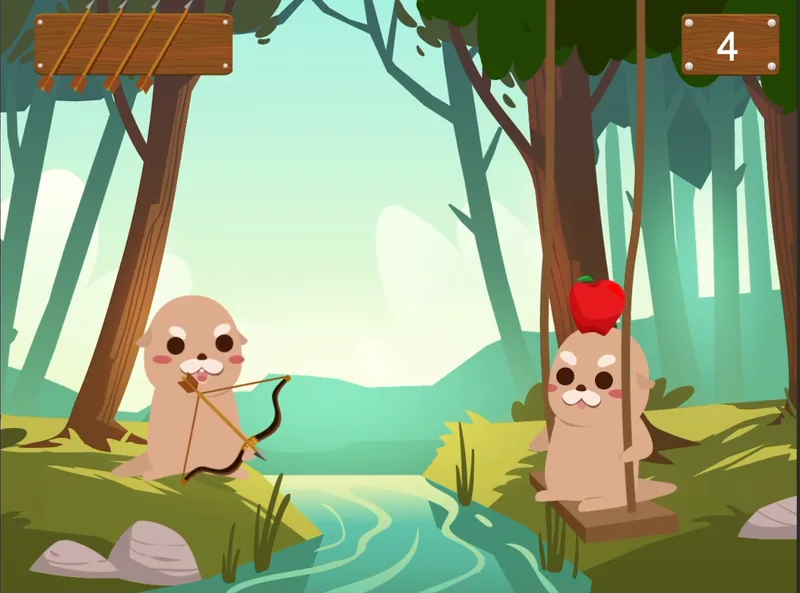
Apple Archer
- What it is
- Draw the bow and hit the apple on another character's head.
- What your child learns
- Working out the arrow’s direction. A hit only scores when several conditions are met.
- The skill behind it
- Reasoning with several conditions at once
See the code

-
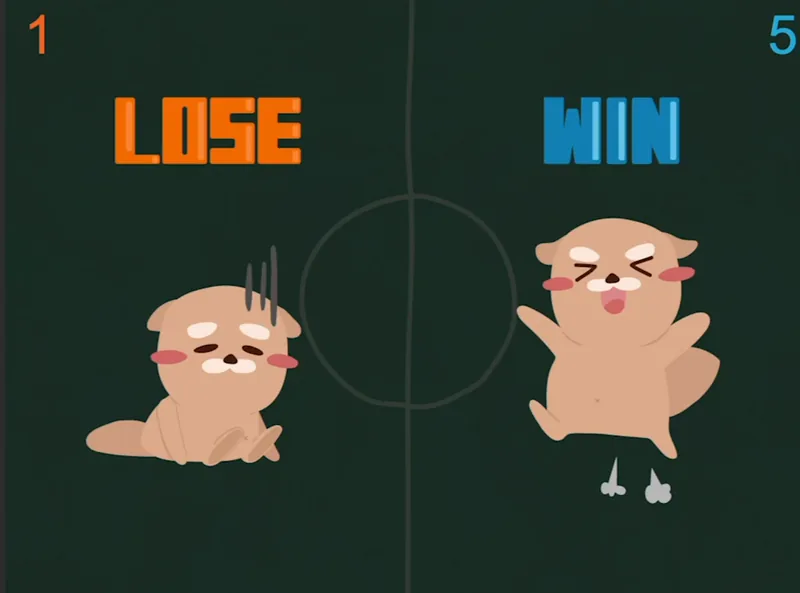
Lesson 7
Paddle Ball Battle
- What it is
- Two players each control a paddle and hit the ball back to the other side.
- What your child learns
- Controlling the paddles with the keyboard, and making the ball bounce off paddles and walls.
- The skill behind it
- Writing physics into program rules
See the code

-
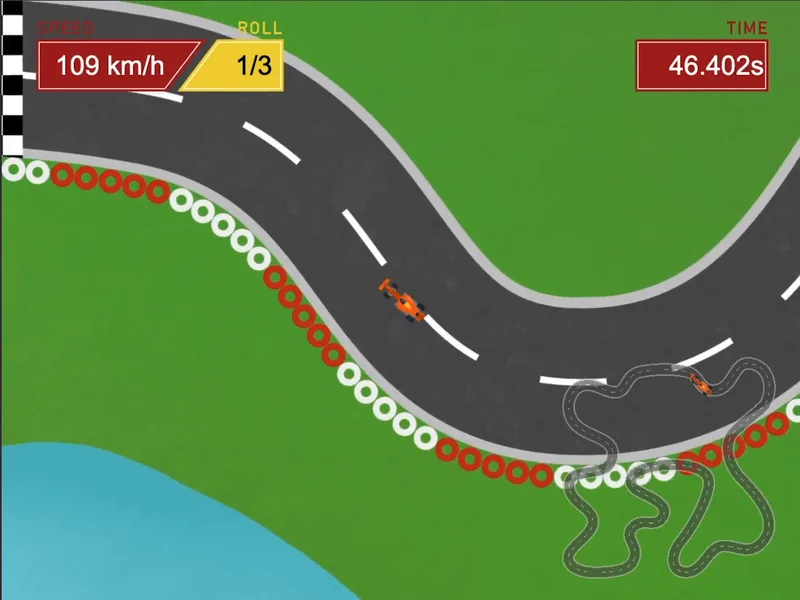
Lesson 9
Crazy Racing
- What it is
- A top-down racing game that shows speed and lap count.
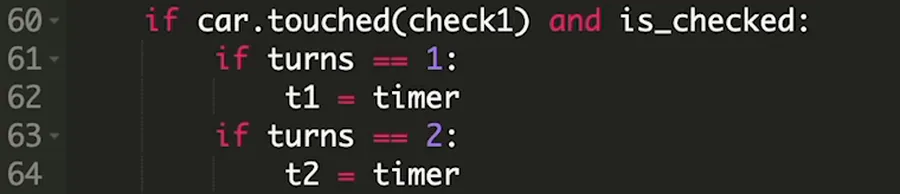
- What your child learns
- Reading the computer clock to time each lap.
- The skill behind it
- Recording and comparing results with numbers
See the code
-
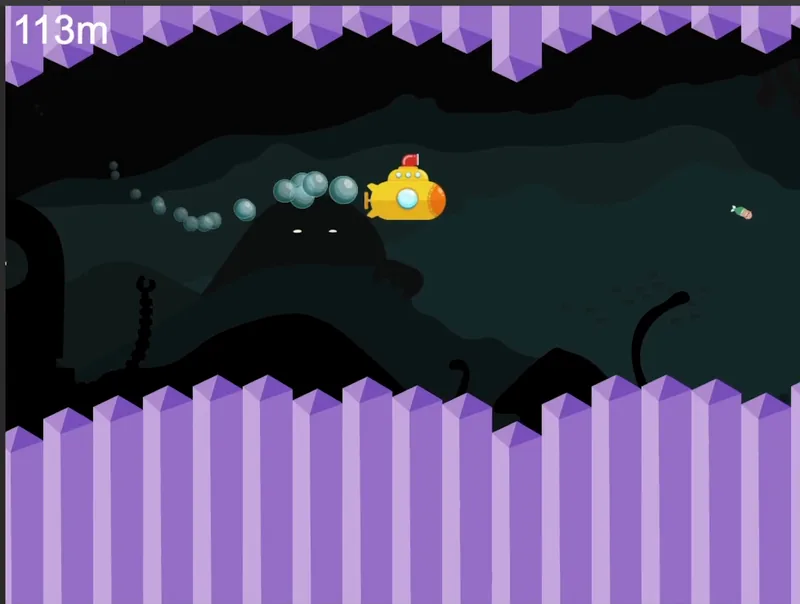
Lesson 12
Deep Sea Explorer
- What it is
- Steer a submarine through undersea caves as the distance counter climbs.
- What your child learns
- Using loops to make the computer repeat work and place many obstacles at once.
- The skill behind it
- Spotting patterns to make a big job simple
See the code

-
Lesson 14
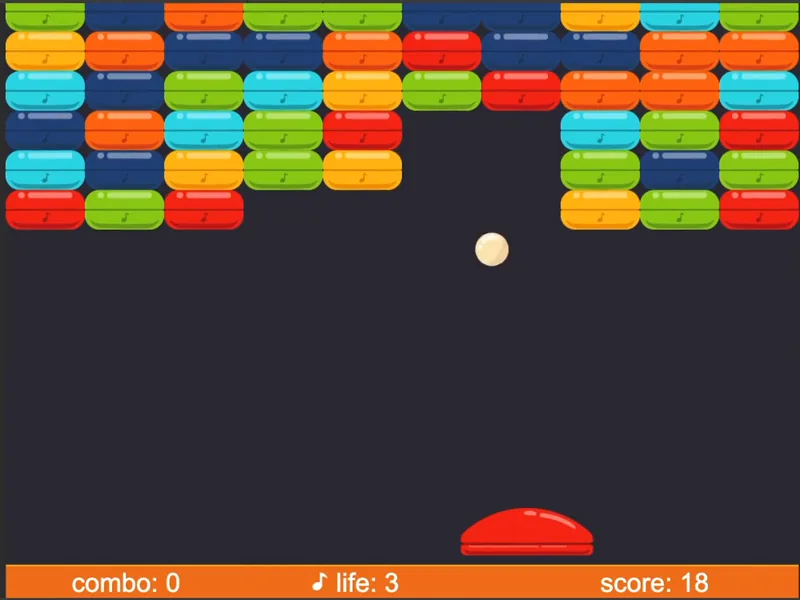
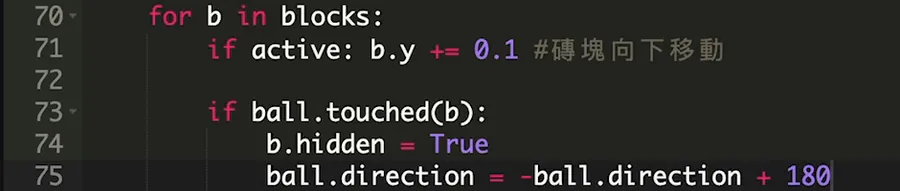
Brick Breaker
- What it is
- Bounce the ball off a paddle to clear a whole wall of coloured bricks.
- What your child learns
- Putting one loop inside another to lay out the wall row by row.
- The skill behind it
- Handling lots of data in an orderly way
See the code
Python Programming Course: follows on after Scratch, or start from Form 1 with no experience. 2 stages (Beginner and Advanced) of 15 lessons each.
View the Python Programming CoursePython Advanced: one topic per lesson
Each lesson covers one topic. Your child builds part of a project every lesson and handles more data and more conditions.Swipe to see all 6 projects in this stage
-
Lesson 4
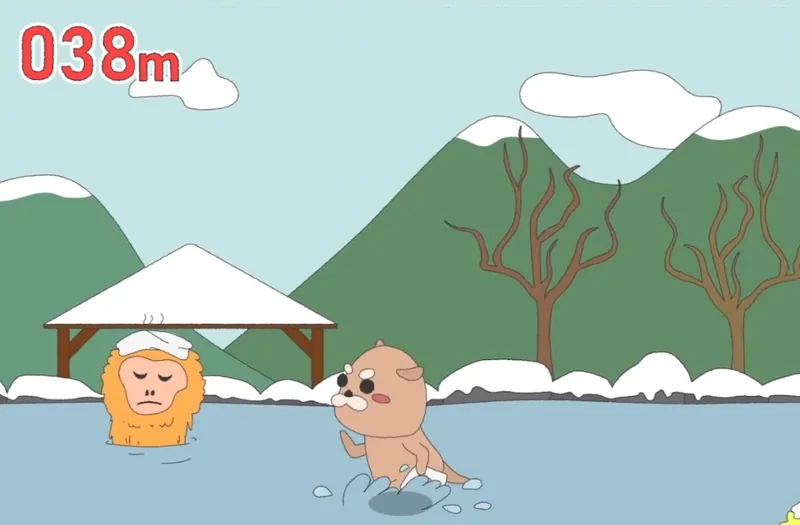
Hot Spring Jump
- What it is
- Take a run-up and jump into a snowy hot spring. How far can you go?
- What your child learns
- Comparing position numbers to decide when to jump and when to land, and switching to the matching pose.
- The skill behind it
- Comparing numbers to make decisions
See the code

-
Lesson 5
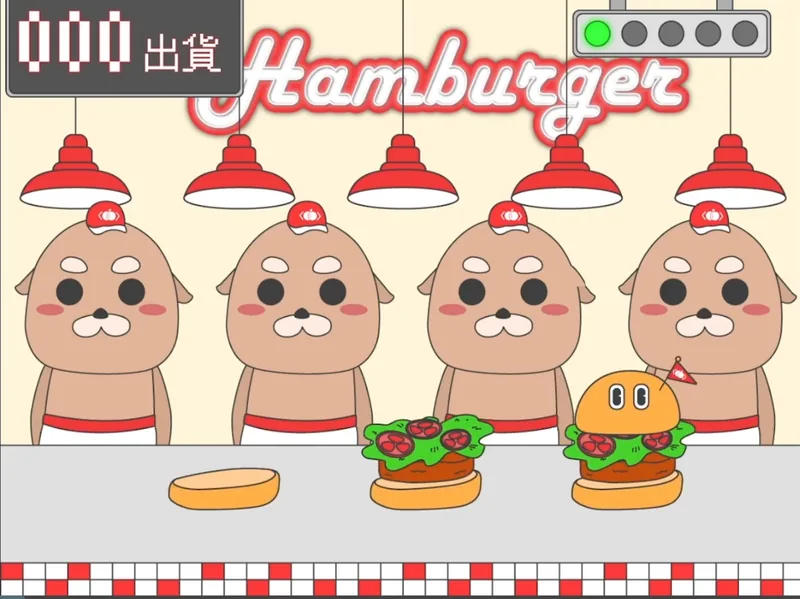
Burger Factory
- What it is
- Characters line up to build burgers and send them down a conveyor belt.
- What your child learns
- Using “if… else…” to split different situations, each with its own next step.
- The skill behind it
- Logical, case-by-case thinking
See the code

-
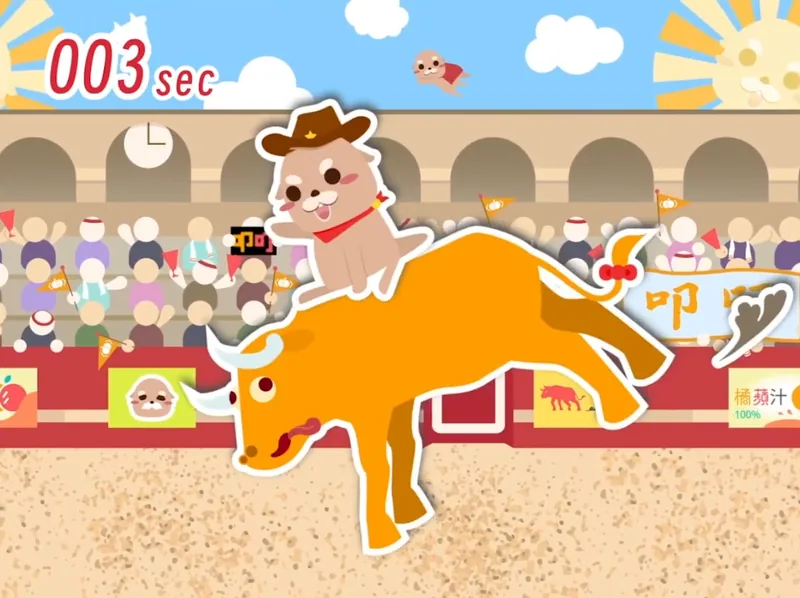
Lesson 6
Bull Ride
- What it is
- Ride a bucking bull. The longer you hold on, the higher your time.
- What your child learns
- Combining conditions with “and”, “or” and “not” to decide when the rider is thrown off.
- The skill behind it
- Logic for combining several conditions
See the code

-
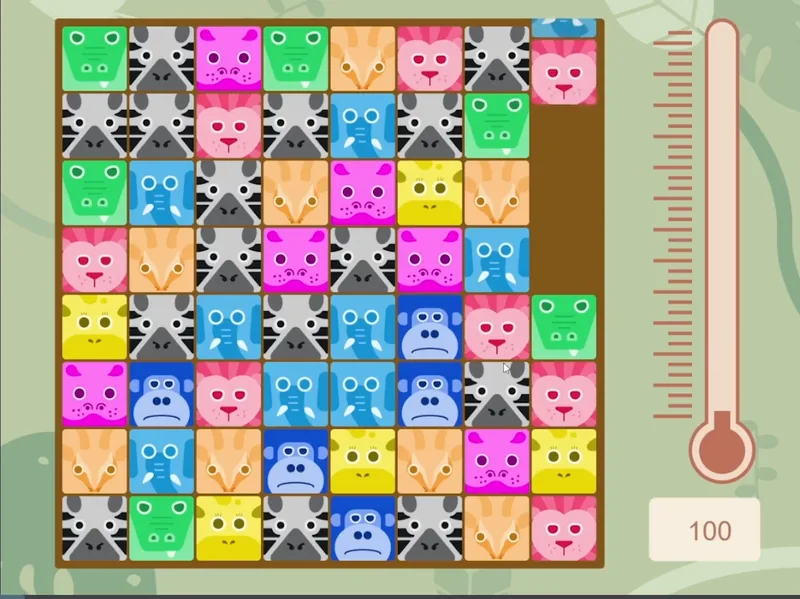
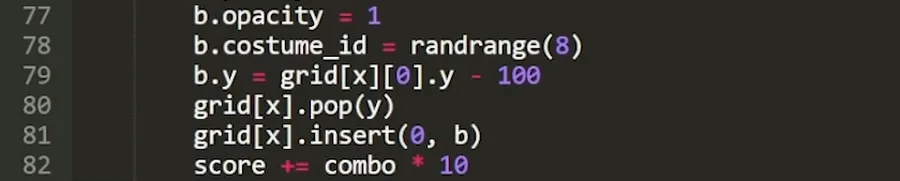
Lesson 11
Zoo Keeper
- What it is
- Swap animal tiles. Three in a row disappear.
- What your child learns
- Storing the board as a grid and checking each cell for a match.
- The skill behind it
- Checking every possibility, step by step
See the code
-
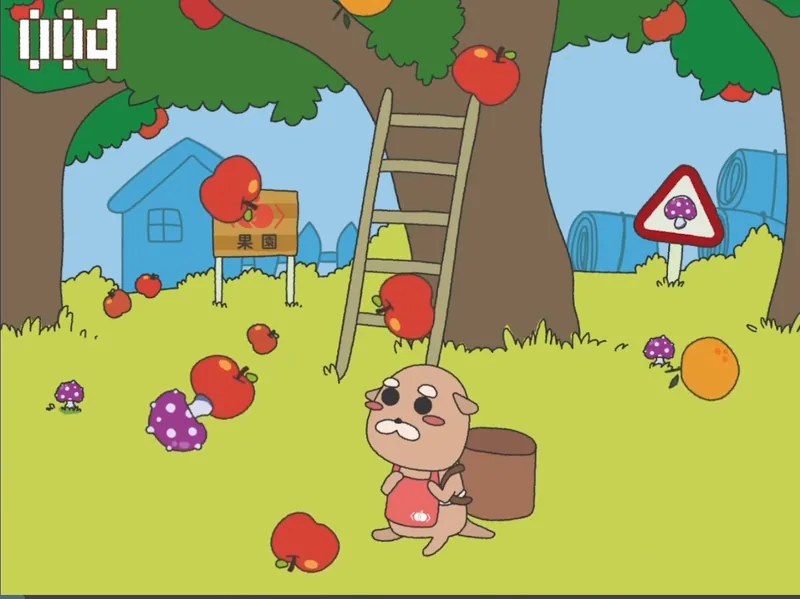
Lesson 13
Apple Harvest
- What it is
- Catch apples and oranges in a basket while avoiding poisonous mushrooms.
- What your child learns
- Packaging each fruit's properties and actions together, to control many falling objects at once.
- The skill behind it
- Sorting and organising data
See the code

-
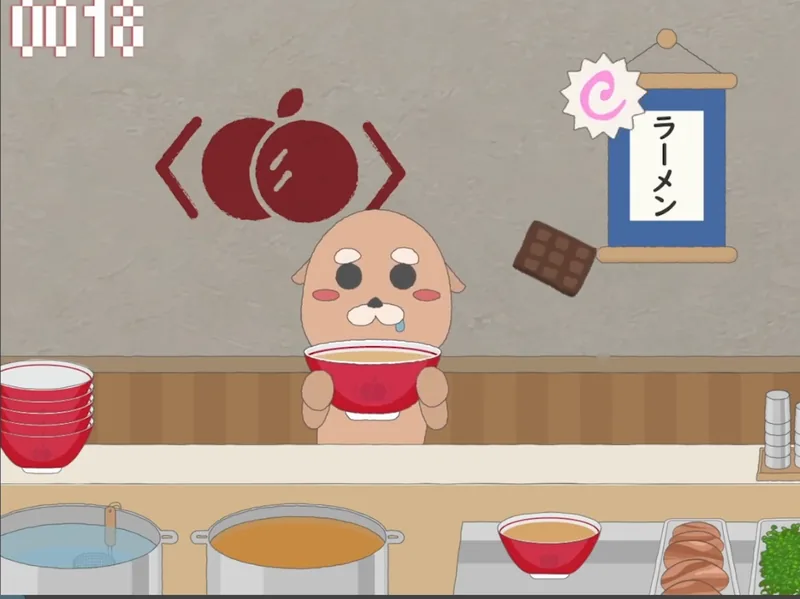
Lesson 15
Ramen Topping King
- What it is
- Hold a bowl and catch falling eggs, bean sprouts and char siu.
- What your child learns
- Looking up the documentation to find the right commands, then using keys to catch the toppings.
- The skill behind it
- Finding answers on their own when stuck
See the code

Python Programming Course: follows on after Scratch, or start from Form 1 with no experience. 2 stages (Beginner and Advanced) of 15 lessons each.
View the Python Programming CourseHelp your child build their first project
Your child takes a free trial class at our Sri Petaling classroom and builds a small project with a teacher.
Afterwards, we explain the details on WhatsApp.
Or WhatsApp us directly: +60 3-2774 5388
Last updated: 2026-11-11